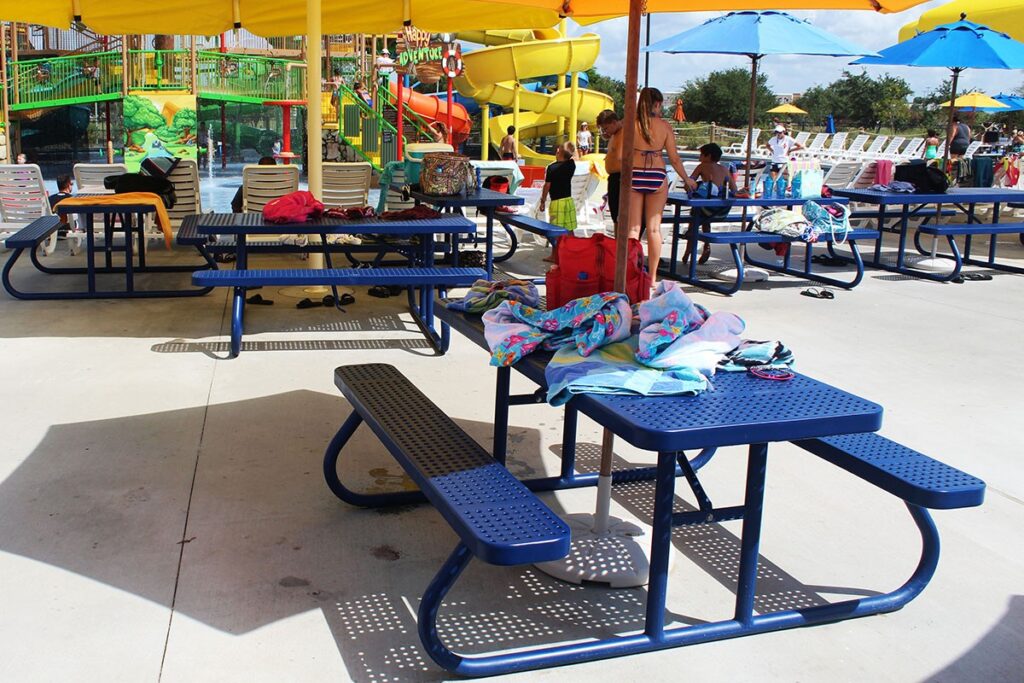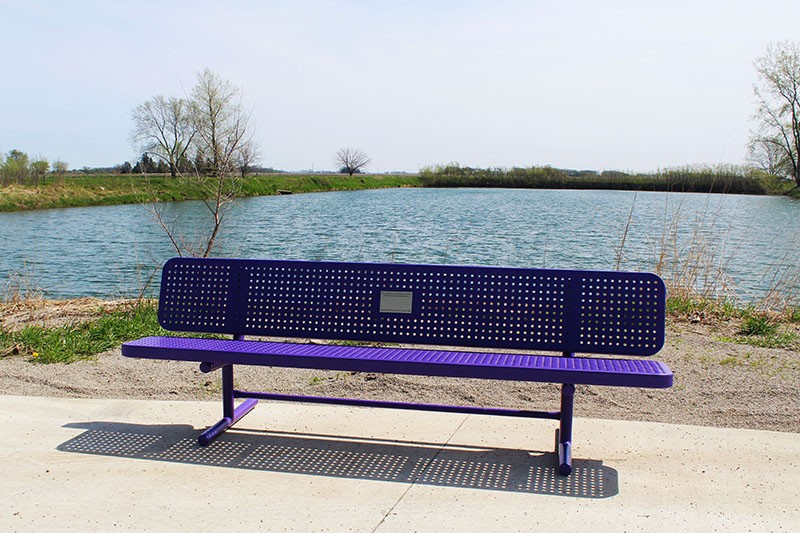
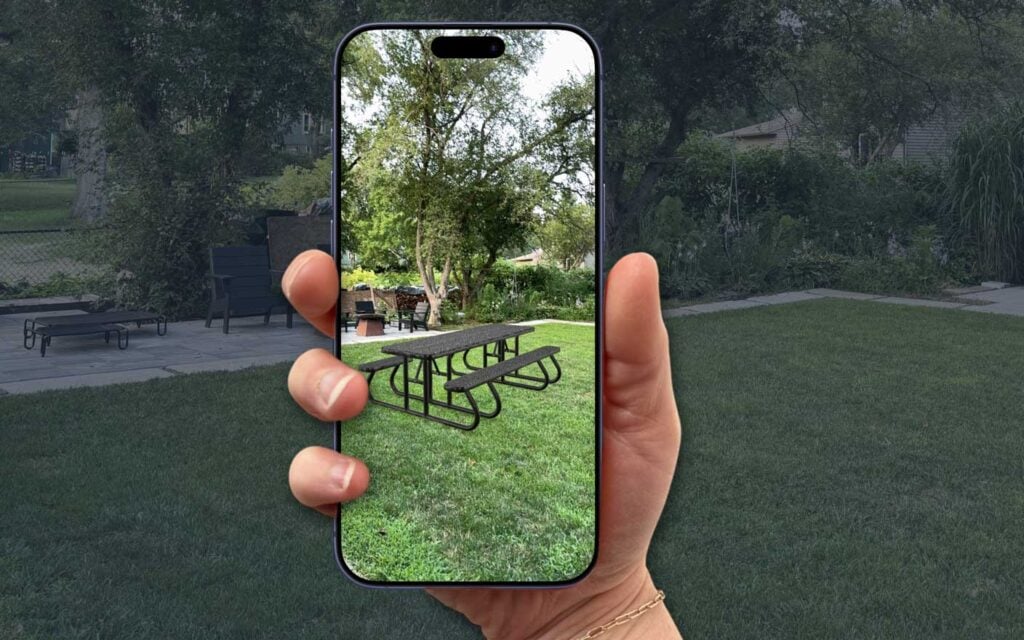
Choosing site furniture is a big decision. A bench, picnic table, or receptacle isn’t just a purchase — it’s a fixture your community will use every day for years. Naturally, you want to know exactly what you’re getting before it ships.
Now you can. We’ve added interactive 3D models and augmented reality (AR) to our product pages, so you can spin a product around from every angle and even place a life-size version right in your park, playground, campus, or backyard — all from your phone or computer. No guesswork, no waiting.
Here’s how to use it.

Spin it around: the 3D viewer
Right on the product page, look through the product image gallery. Alongside the usual photos, you’ll find a 3D slide — the product rendered as a model you can move yourself.
To explore it:
- Click and drag (or swipe on your phone) to rotate the product and see it from any angle — front, back, underneath, all of it.
- Scroll or pinch to zoom in on the details, from the grain of the recycled-plastic lumber to the mounting hardware.
- Let go and it will gently rotate on its own, so you get the full walk-around view.
It works on any device — desktop, tablet, or phone — no app or download required.

See it in your space: augmented reality
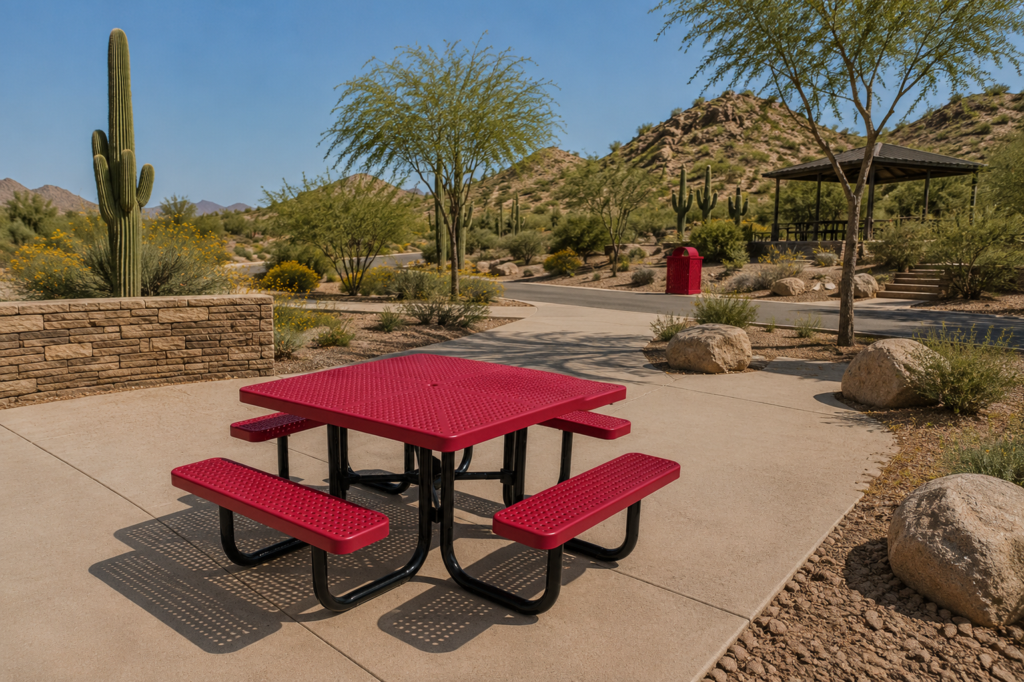
This is the fun part. Augmented reality lets you drop a full-size, true-to-scale product into your actual space using your phone’s camera. Point it at an empty spot on your patio, plaza, or trail, and see precisely how the piece fits, how big it really is, and how it looks in the setting where it’ll live.
AR runs on your phone or tablet. Here’s how to launch it.
On an iPhone or iPad
- Open the product page in your browser (Safari works best).
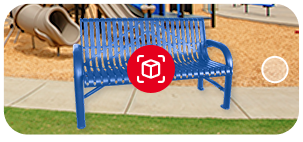
- In the image gallery, tap the AR slide — you’ll see an AR icon and the prompt “Tap to view in your space.”
- Tap it. Your camera opens automatically.
- Slowly move your phone to scan the floor or ground, then tap to place the product.
- Walk around it, step closer, or move it — the product stays anchored and to scale, just as if it were really there.
On an Android phone or tablet
- Open the product page in your browser (Chrome works best).
- In the image gallery, tap the AR slide, then tap the green View in AR button and the “Tap to view in your space” prompt.
- Your camera opens. Slowly move your phone to scan the ground.
- Tap to place the product, then move around it to see it from every side, at real size, in your space.
On a computer? AR is a mobile feature, since it uses your phone’s camera. Open the product page on your phone or tablet to try it — or use the 3D viewer on your computer to spin the model around.
Tips for the best experience
- Give it good light. AR works best in a well-lit area with plenty of open floor or ground to scan.
- Aim for open space. A clear, flat surface helps your phone place the product accurately and keeps it steady.
- Move slowly. A gentle, steady sweep helps your phone lock onto the ground before you place the product.
- Get close. Walk right up to the placed product to check proportions, seat height, and detail — it’s rendered to real-world scale.
Look for the 3D and AR slides
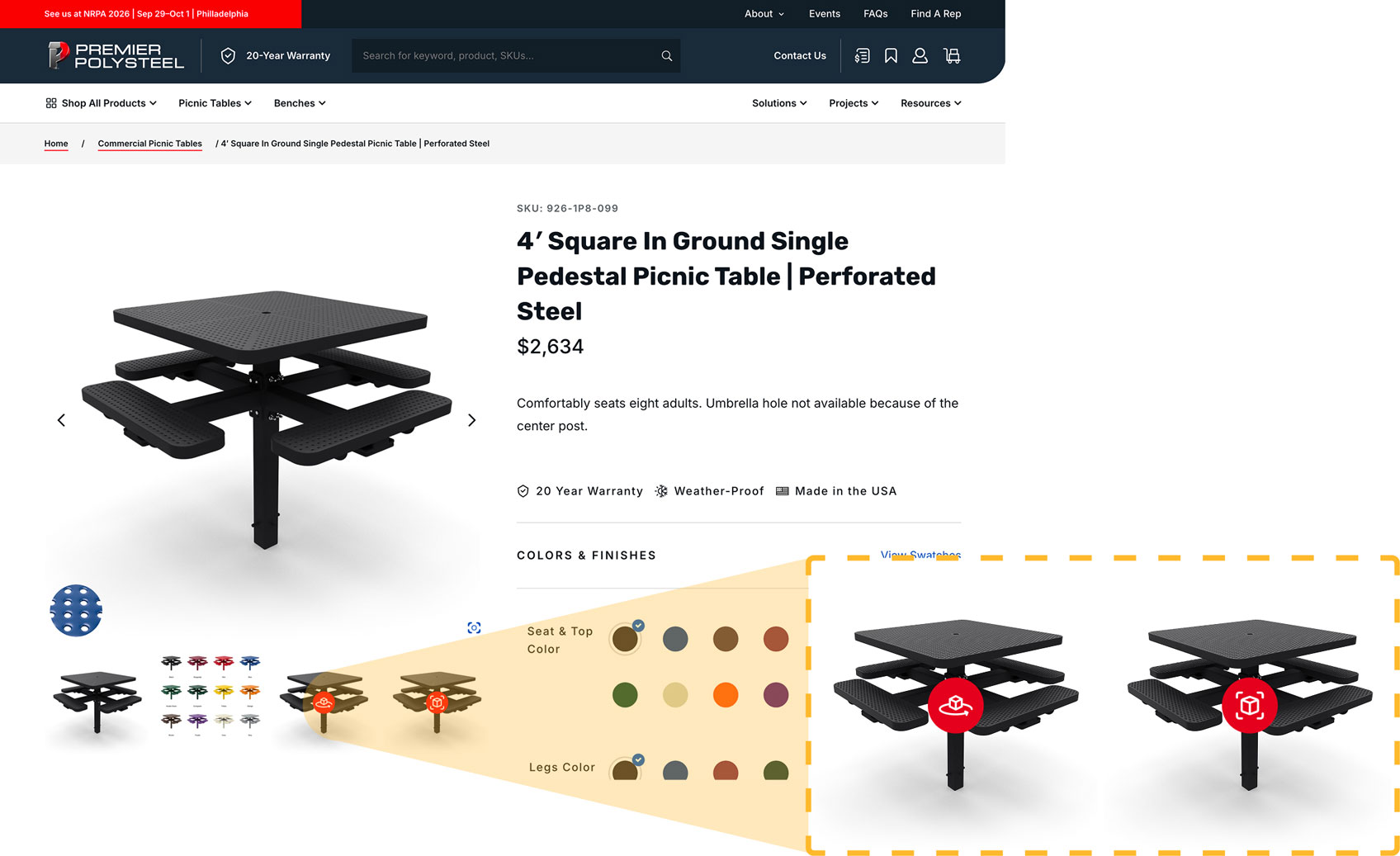
We’re rolling out 3D and AR across our product lineup, so you’ll see these interactive slides in the image gallery on a growing number of products. Whenever you spot them, take a moment to spin the model and drop it into your space — it’s the closest thing to seeing it in person before it arrives.
Questions about a product, or want help finding the right fit for your project? Reach out to our team — we’re always happy to help.